
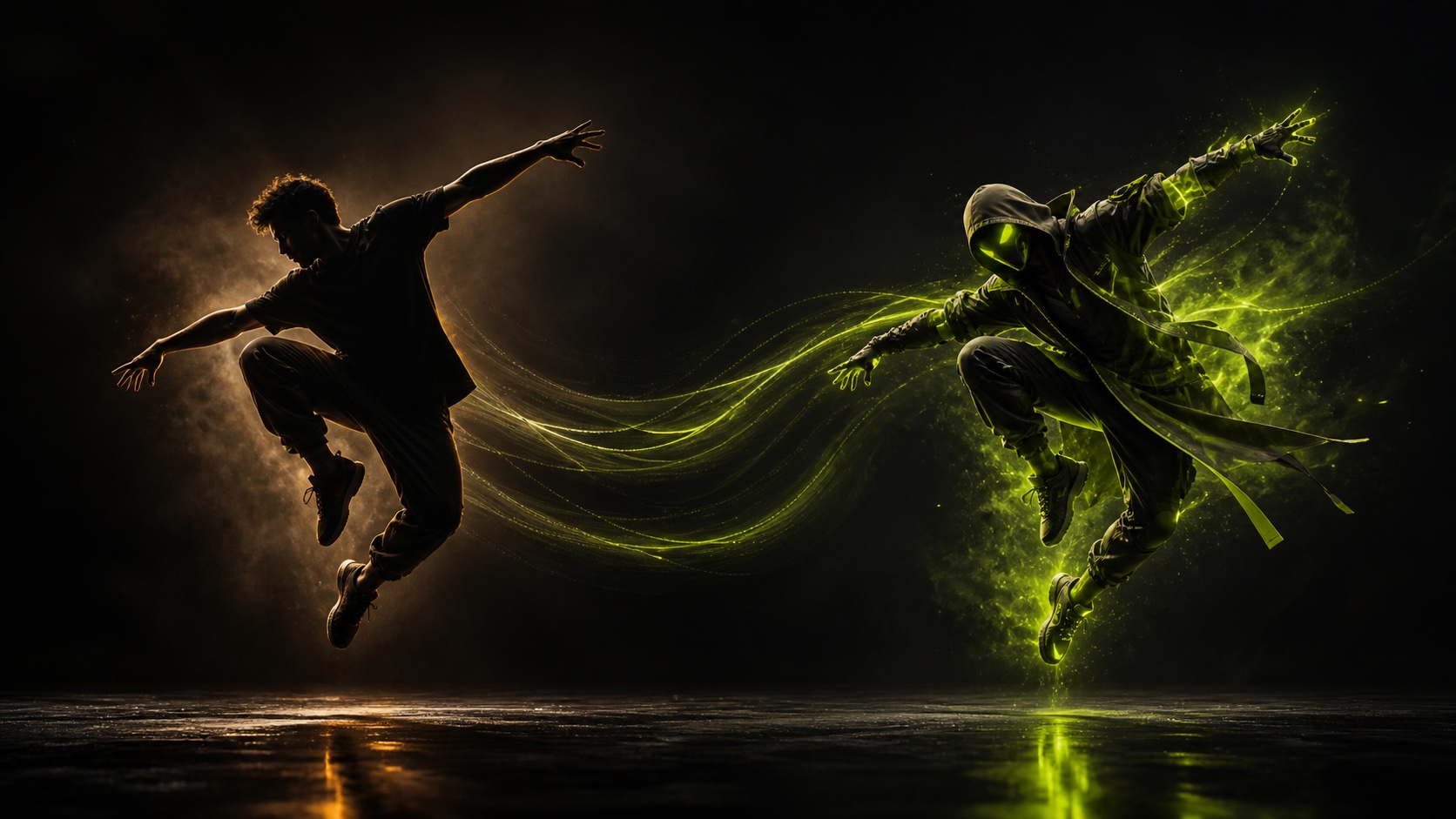
One performance. A new character.
Transfer movement, timing and expression from a driving video to a character image.
AI character animation
Animate a character image with the movement and performance from a driving video.
Transfer movement, timing and expression from a driving video to a character image.
AI motion transfer separates how a character looks from how the character moves. Start with a character image, then use a driving video as the performance reference. AstraiLab generates a new video that applies the source movement to the character you selected.
Instead of trying to describe every gesture, pose or dance step in a text prompt, the driving video gives the generation a concrete motion sequence to follow. This makes motion transfer useful when the exact timing and movement matter more than a broad description of the action.
The workflow uses two visual inputs.
Your character image defines appearance. Your driving video defines the performance. An optional prompt can add visual direction for the character or scene.
AstraiLab sends those inputs through its motion-transfer workflow, creates the video, and returns the result to your Creations library. You can then download the output or reuse the same settings with a different character or motion reference.
Motion transfer is a practical form of AI character animation because the motion does not have to be invented from scratch. A dance, gesture, reaction or short performance can be captured once and reused across different visual characters.
That makes the workflow useful for avatars, mascots, illustrated characters, stylized portraits and short-form character content. The quality of the result still depends on the input image and the readability of the driving performance, so clear source media matters.
Use a character image with a clearly visible subject and avoid heavy occlusion around the body parts that matter to the motion.
For the driving video, choose a clip where the performer is easy to follow. Strong motion blur, hidden limbs, abrupt cuts or very different framing can make a performance harder to transfer.
When the body proportions of the performer and character are very different, keep Adapt Motion enabled. If preserving the reference character is more important than minimizing generation cost, try Enhance Identity.
Motion transfer is especially useful when a recognizable performance is part of the idea.
Creators can use it to test dance clips with different characters, animate a mascot, build recurring avatar content, turn a still character concept into a short performance, or prototype motion before committing to a larger edit.
The same workflow can also be reused: keep the motion and change the character, or keep the character and try a different driving performance.
Model watch
Wan Animate 2 is a newly released open-source character-animation framework that directly consumes driving video and adds text-driven viewpoint control. It is one of the newest models pushing the motion-transfer workflow forward.
AstraiLab tracks new character-animation models separately from the stable Motion Transfer tool. This lets the workflow stay available while the underlying model routes can evolve over time.
Learn about Wan Animate 2 →AI motion transfer uses a source or driving video to provide movement for a different character. A reference image supplies the character appearance, while the video supplies the motion and timing.
Upload the character image you want to animate, add a driving video with the performance you want to copy, optionally describe the scene, then generate. AstraiLab applies the motion-transfer workflow and returns the animated result.
Yes. A still character image can be used as the appearance reference while a driving video provides the movement.
A driving video is the motion reference. It contains the body movement, gesture, expression or performance that you want the generated character to follow.
Clear images with a readable subject generally work best. Heavy occlusion, very small subjects or missing body regions can make some motions harder to transfer.
Yes. Dance clips are a natural motion-transfer use case because the driving video can provide timing, poses and movement directly instead of relying on a text description alone.
The current production route generates 720p video. Output options may expand as AstraiLab adds new motion-transfer models.
The generation price is calculated from the verified duration of the driving video and shown in credits before you submit the generation. Optional identity enhancement uses additional credits.
Not currently. The Motion Transfer tool uses AstraiLab's active production motion-transfer route. Wan Animate 2 is tracked as a separate model and will only be identified as the active model when that integration is explicitly enabled.