
AstraiLab creative studio
AI image and video generation in one focused workspace.
Explore AI image generators, AI video generators and practical workflows for turning prompts, references and motion into new visual work.
AstraiLab / creation hubReady
 Creative direction
Featured models
Explore AI image and video generators.
Choose an image model for stills and edits, or a video model for moving scenes. Each model page gives you a clear next step.
 MiniMax H3
MiniMax H3 AI Video GeneratorHailuo 03 · AI video
 Wan Animate 2
Wan Animate 2Character animation · New
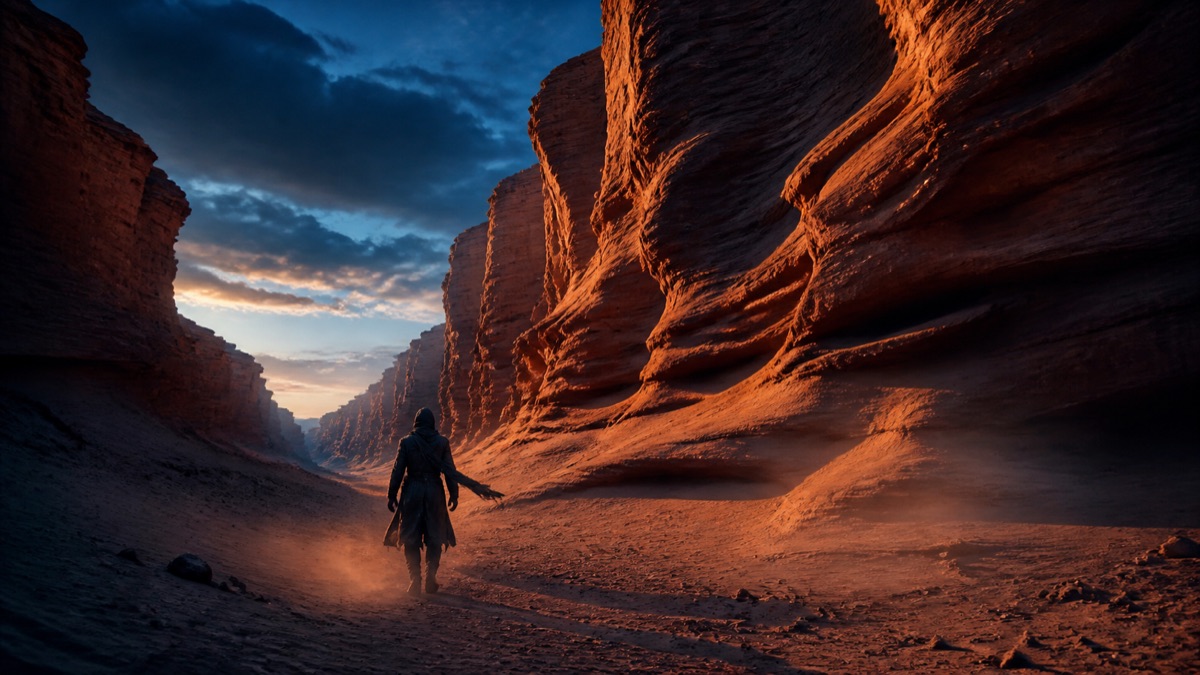 Seedance 2.5
Seedance 2.5AI video
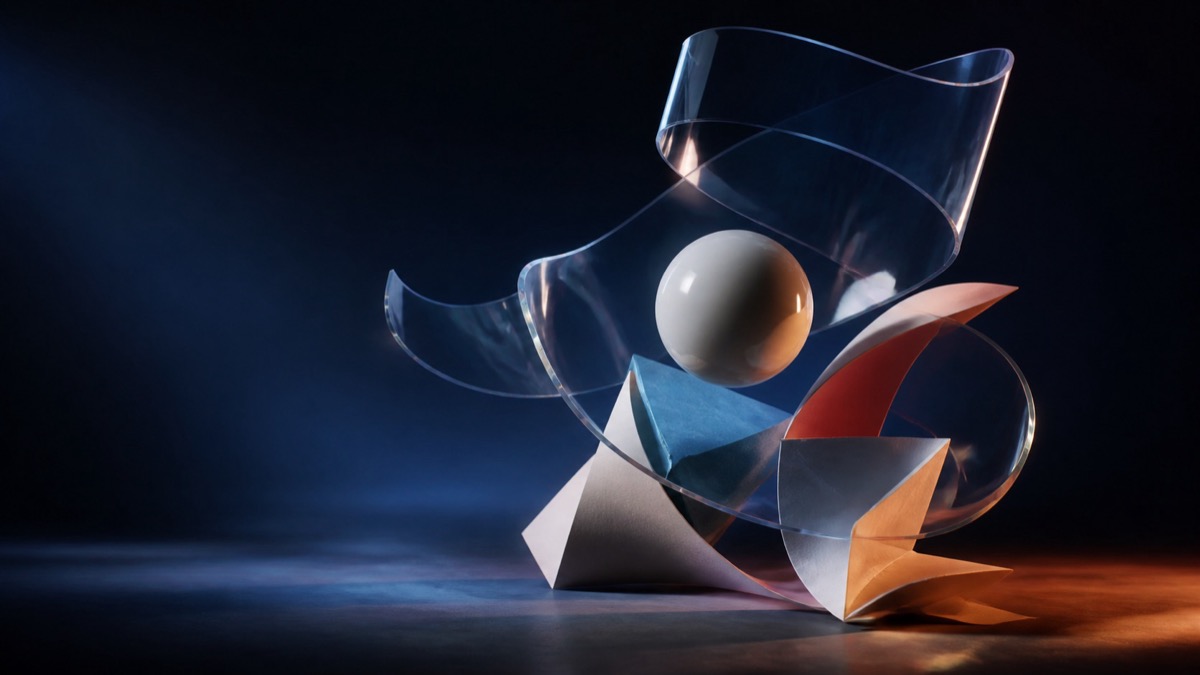 Qwen Image 3
Qwen Image 3AI image generator
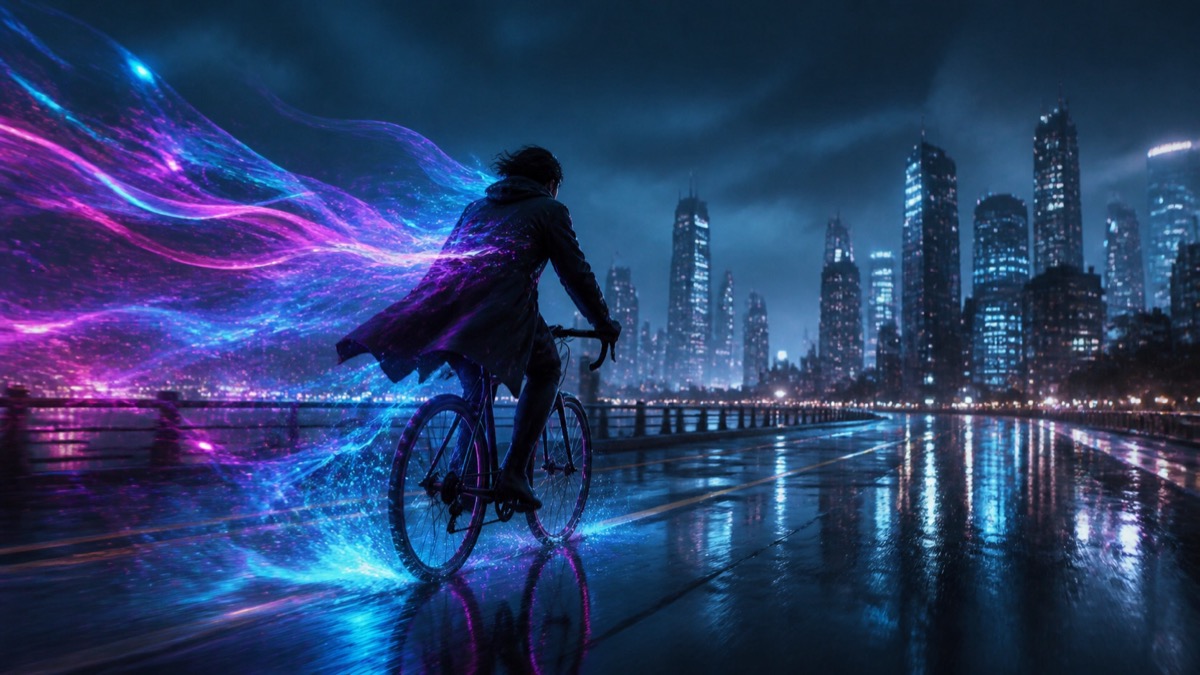 FLUX 3 Video
FLUX 3 VideoAI video generator
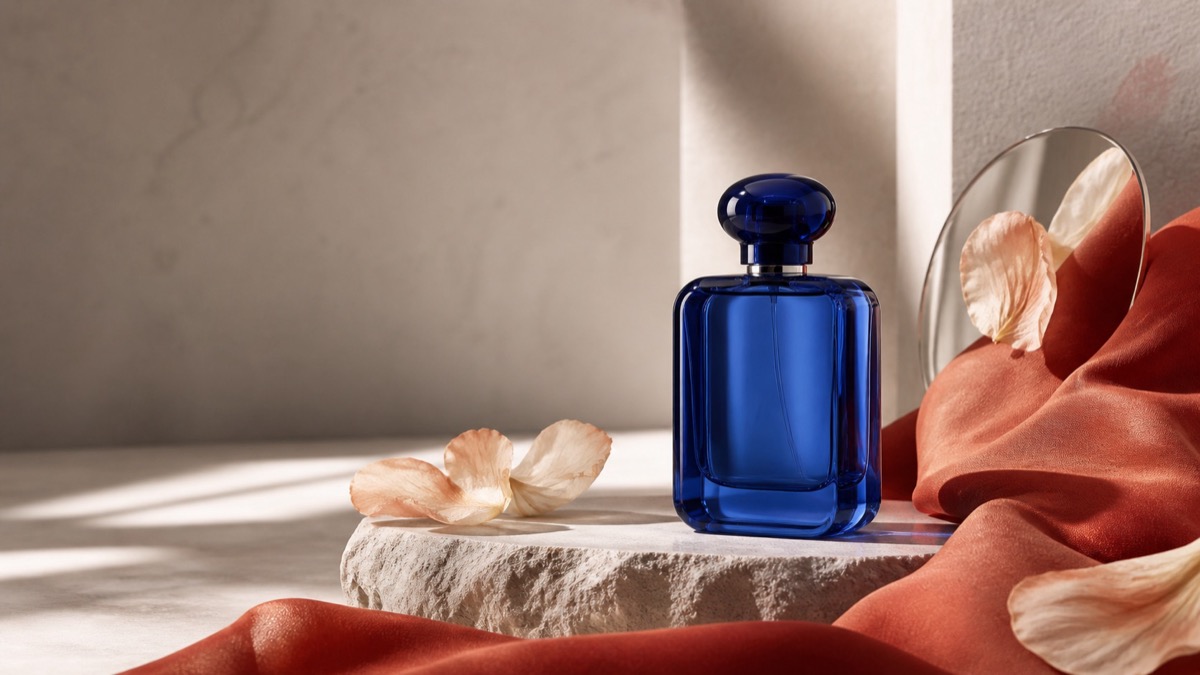 Seedream 5.0 Pro
Seedream 5.0 ProAI image generator and editor
 MiniMax H3
MiniMax H3 ComfyUIGuide
Create with AstraiLab
Choose a workflow for the next visual.
02
AI image generation
Start with Qwen Image 3 or Seedream 5.0 Pro for still images, edits and visual direction.

03
AI video generation
Start with FLUX 3 Video or Seedance 2.5 for moving scenes and reference-led video workflows.
How it works
Move from an idea to a usable visual.
- 01
Choose a model or workflow
Start with the output you want: an image, a video or motion from an existing character reference.
- 02
Bring the right input
Use a prompt, an image or a short driving video to give the creation a clear starting point.
- 03
Make the next version
Keep the result that works and use it as the starting point for the next idea.
Guides and workflows
Start with a model, then make it your own.
Browse model pages for practical ways to start with an image, prompt or video. When you are ready, take the next step in the creation workspace.
FAQ
Questions about AI image and video creation.
What can I create with AstraiLab?
AstraiLab brings together AI image generation, AI video generation and motion transfer workflows for turning prompts, references and movement into new visual work.
Which AI image generators are featured?
Qwen Image 3 and Seedream 5.0 Pro are featured for image generation and editing workflows. Each model page explains its strengths and the best place to start.
Which AI video generators are featured?
MiniMax H3, FLUX 3 Video and Seedance 2.5 are featured for creating moving scenes. Their model pages connect the model overview with a focused creation workflow.
Can I start with an existing image or video?
Yes. AI Motion Transfer starts from a character image and a 3–15 second driving video, while the model workflows explain the inputs for each featured model.
Make something worth revisiting