
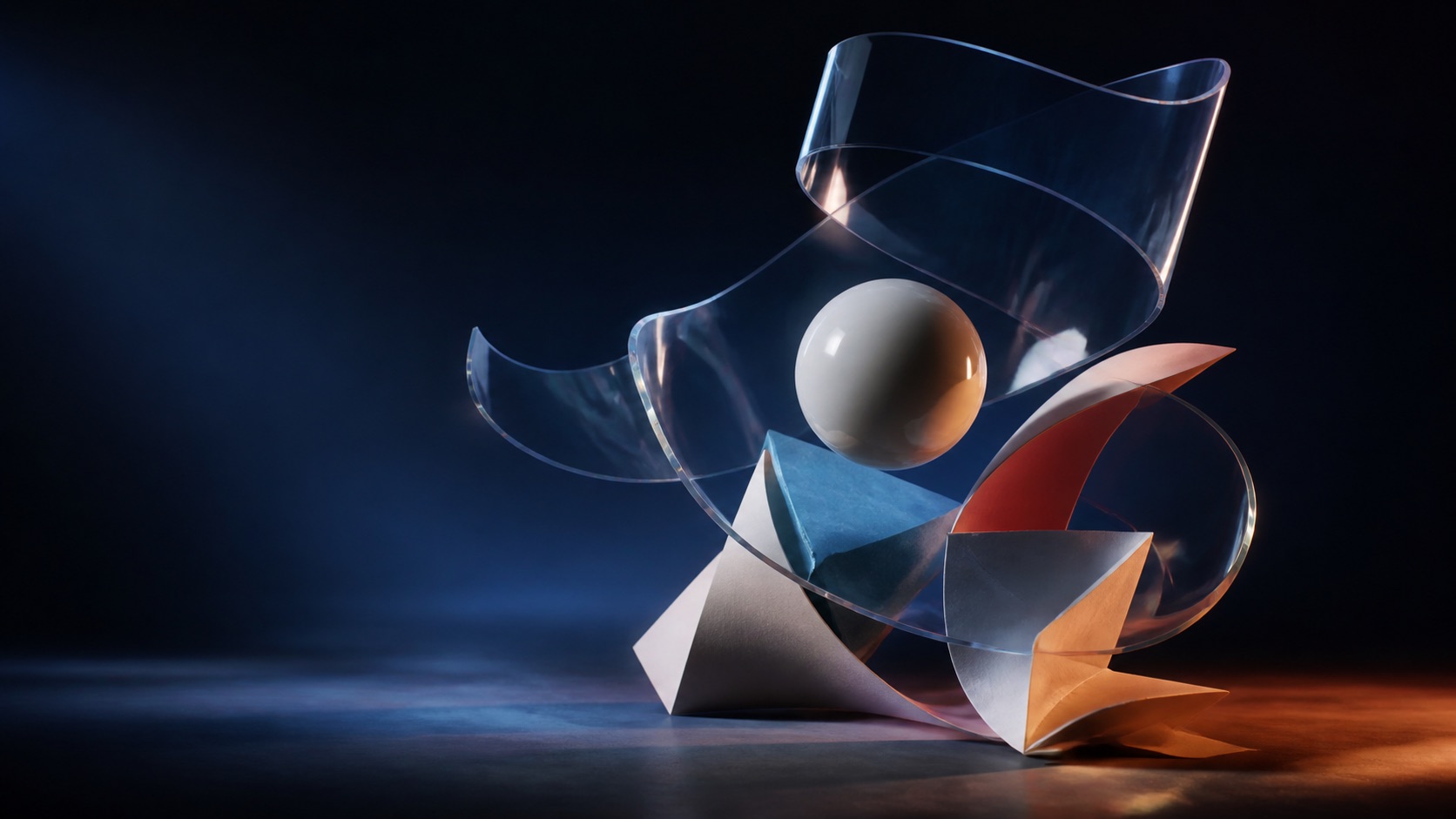
Keep the visual idea in view.
Move from a detailed prompt or a reference image into a focused image workflow built for exploration and refinement.
AI model workspace
Explore Qwen Image 3.0 for prompt-led image creation, reference-based edits and visual direction that stays clear from the first idea to the final frame.
Move from a detailed prompt or a reference image into a focused image workflow built for exploration and refinement.
Qwen Image 3, often written as Qwen Image 3.0, is a current image-generation model from the Qwen family. It is aimed at creators who want to describe a scene in natural language, control the visual structure and then refine the result with an image-led instruction.
The useful distinction is not only image generation. Qwen Image 3 can sit at both ends of a creative workflow: start with a blank canvas when the idea is still abstract, or bring a reference image when the composition, subject or design direction already exists. AstraiLab keeps those paths together so you can move from a blank prompt or reference image into the right creation flow.
Capabilities
Describe the subject, environment, composition, materials, light and mood in one prompt. Specific visual relationships are easier to preserve when the prompt explains what matters most.
Use a structured prompt for posters, editorial scenes, product compositions and other images where placement, hierarchy and visual balance matter.
Start from an image and describe the change you want to make. Reference-led editing is useful when the identity, pose or composition is already close to the target.
Qwen Image 3 is designed for natural-language direction across a broad range of visual ideas, including prompts that mix visual detail with text and layout intent.
Workflows
Write the image you want to see, then guide the subject, setting, camera angle, lighting and finish. Text to image is the cleanest starting point for concepts, campaign directions and original scenes.
Add a reference image and describe the intended change. This image-editing workflow is suited to restyling, scene adjustments, product variations and controlled creative iteration.
Use cases
Turn a rough visual direction into a set of coherent explorations before a shoot, storyboard or design pass.
Explore product scenes, seasonal art direction and social concepts without losing the prompt structure behind each variation.
Use an existing image as the visual anchor when the goal is to change the treatment rather than start over.
How to use it
Start with Text to Image for a new concept or Image Editing for a reference-led change.
Name the subject first, then add composition, action, materials, lighting, color and any text or layout requirements.
Choose an aspect ratio and resolution, review the generation cost shown in the workspace, then create the image.
Model facts
FAQ
Yes. Qwen Image 3 and Qwen Image 3.0 are two common ways to refer to the same model family entry. Qwen Image 3 is the shorter everyday name, while Qwen-Image-3.0 is the formal variant name.
AstraiLab provides an online workspace that takes you from a prompt or reference image to the Qwen Image 3 creation flow, with the relevant settings kept in one place.
The Image Editing workflow lets you add a reference image and describe the change you want. It is designed for controlled restyling and visual iteration rather than starting from a blank prompt every time.
Start with the subject and action, then describe composition, camera position, lighting, materials, color and the desired visual finish. Put the most important constraints first.
When text is part of the image, write the exact words and explain their placement, hierarchy and style. Treat typography as part of the composition instead of adding it as an afterthought.
ComfyUI setups depend on the node pack and model build in use. AstraiLab focuses on a direct online Qwen Image 3 workflow, where you can create from a prompt or reference image without assembling a node graph.
Create the next frame