
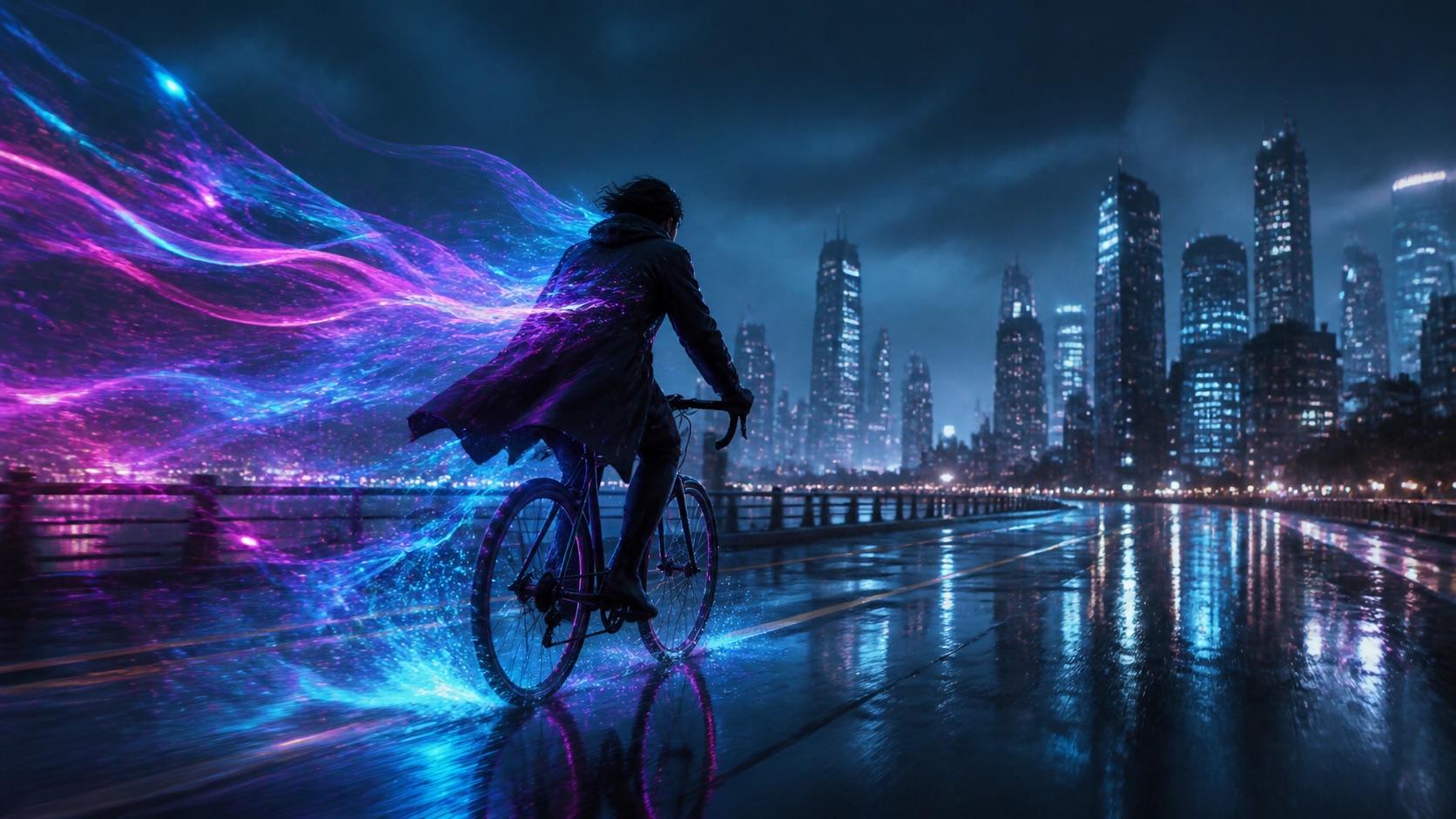
Give the scene somewhere to go.
Keep the prompt, visual reference and motion direction close together while you develop a cinematic shot.
AI model workspace
Turn a scene description or a reference image into a focused video idea with FLUX 3 Video. Shape the subject, movement, camera and atmosphere before you create.
Keep the prompt, visual reference and motion direction close together while you develop a cinematic shot.
FLUX 3 Video is the video branch of the FLUX 3 generation family. It is built around a familiar creative question: what should happen in this scene, and how should the camera experience it? In AstraiLab, you can use it for prompt-led scenes, online creation and image-to-video work from a visual reference.
A useful video workflow needs more than a large prompt box. It should make the visual starting point, motion intent and framing easy to understand before generation begins. AstraiLab connects those choices in one Create workspace, so you can move from a scene idea to a finished shot without changing tools.
Capabilities
Describe the subject, action, environment, camera movement, lighting and pace. A structured prompt gives the model a clearer sense of what changes over time.
Use an image-to-video workflow when a character, product or composition already exists and the next task is to introduce movement without losing the visual anchor.
Think in shots rather than isolated adjectives: establish the subject, define the movement, then specify the atmosphere and transition you want to explore.
The FLUX 3 online creation path keeps core inputs visible and leaves platform-specific details out of the creative surface.
Workflows
Start from a written scene and describe how the subject moves through it. This is useful for storyboards, product concepts, social clips and cinematic experiments.
Bring a visual reference and direct the motion around it. Explain what should move, what should remain stable and how the camera should reveal the scene.
Use cases
Explore a product reveal, material study or camera move before committing to a full production treatment.
Turn a written beat or visual reference into a moving direction that helps a team discuss pacing and atmosphere.
Generate motion-led variations for a campaign idea while keeping the subject, framing and callout clear in the prompt.
How to use it
Use text to video for a new scene, or start with an image when composition and subject identity already matter.
Describe the action, camera path, timing, lighting change and the part of the frame that should stay stable.
Select the available aspect ratio and duration in the workspace, review the displayed cost and create the shot.
Model facts
FAQ
FLUX 3 Video refers to the video generation model in the FLUX 3 family. It is designed for creating short AI video scenes from text or images.
AstraiLab provides an online creation workspace where you can choose a FLUX 3 Video workflow, write the direction and start from text or an image reference.
The Image to Video workflow is designed for a reference-led shot. Add the image, then describe the movement and camera behavior you want to explore.
Describe the subject first, then the action, camera movement, setting, lighting and pace. Say what should stay consistent so the motion has a clear visual anchor.
The model can be used in both developer and creator contexts. This AstraiLab page focuses on the direct online creation workflow, with text-to-video and image-to-video controls in one workspace.
API access depends on the service and model version you choose. This AstraiLab page is for direct online creation, with the prompt and reference experience kept in one place.
ComfyUI video workflows depend on the nodes and model build available in your setup. AstraiLab focuses on direct online text-to-video and image-to-video creation, so you can start without configuring a node graph.
Create the next frame