
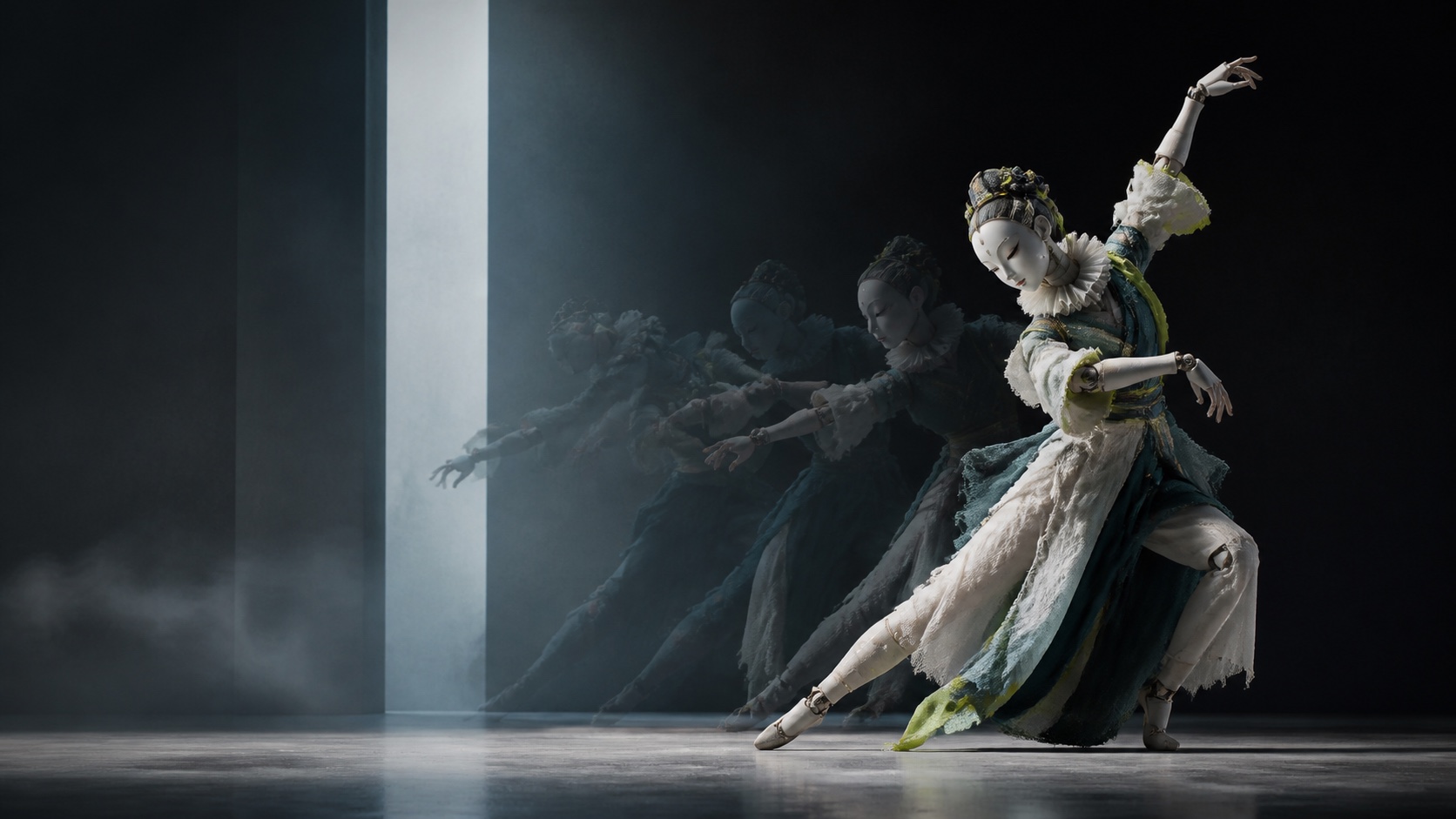
Character motion with identity intact.
A character-animation direction built around driving-video performance and viewpoint control.
Open-source character animation
Bring a character image to life with motion from a driving video. Wan Animate 2 is an end-to-end character animation model built for high-fidelity motion, stronger identity preservation and text-guided viewpoint control.
A character-animation direction built around driving-video performance and viewpoint control.
Available now
Wan Animate 2 is an open-source character animation framework from the Wan team. Instead of relying on an intermediate pose or motion representation, the model directly consumes a driving video inside a redesigned Diffusion Transformer.
The workflow is simple: a reference image defines the character, a driving video provides the performance, and text can describe the character, background and desired viewpoint. The model then generates a new character video that follows the source performance while preserving the visual identity of the reference.
Wan released the inference code, Base weights and Distilled weights for Wan Animate 2 on August 7, 2026.
Traditional character-animation pipelines often extract poses or other intermediate motion signals before generation. Wan Animate 2 is designed to consume the driving video directly, reducing the information loss that can happen when subtle movement, expression or hand motion is compressed into an intermediate representation.
For creators, that makes the core idea easy to understand: use a video as the performance reference and a still image as the character reference. The driving clip supplies the motion; the character image supplies the look.
Motion transfer is useful only when the animated result still looks like the character you started with. Wan Animate 2 is designed around stronger identity preservation while following the timing and movement of a driving performance.
That makes the workflow relevant for character concepts, mascots, stylized portraits, avatars and other cases where creators want to reuse the same visual identity across different performances.
A driving video does not have to lock the final camera to the exact same viewpoint. Wan Animate 2 adds text-driven viewpoint control, allowing the output camera perspective to be decoupled from the source performance.
This separates two creative decisions: the driving video can define how the character moves, while the prompt can help describe how the final shot should be viewed.
The Wan team also introduced Wan Animate 2 Lite, an efficient variant designed to reduce inference latency to real-time thresholds. The research targets streaming character-animation scenarios such as interactive digital avatars and live hosts, rather than offline rendering only.
AstraiLab does not currently expose Wan Animate 2 Lite as a selectable generation backend. Model availability and serving options will be shown in the product when they are enabled.
Character animation starts with two clear creative inputs.
If you want to try this workflow on AstraiLab today, use AI Motion Transfer. The tool uses AstraiLab's current production motion-transfer route and does not claim to be Wan Animate 2.
Wan Animate 2 is an open-source end-to-end character animation model from the Wan team. It uses a reference character image and a driving video to generate a new character performance, with text available for scene and viewpoint guidance.
Yes. The Wan team released the inference scripts, Base model weights and Distilled model weights on August 7, 2026. AstraiLab is preparing its own product integration for the model.
Wan Animate 2 directly consumes the driving video in its animation pipeline. The reference image supplies the character appearance while the driving video supplies the performance and motion.
Yes. ComfyUI announced native Wan Animate 2 support on August 8, 2026, with a workflow that accepts a reference character and a driving video.
Yes. The official workflow uses text together with the character image and driving video, and the model introduces text-driven viewpoint control so the output camera perspective can differ from the source performance.
Wan Animate 2 Lite is the efficient version introduced for streaming character animation. The research is designed to reduce inference latency to real-time thresholds for interactive scenarios.
The official repository documents 720p generation in its default reference setup and also reports 480p testing on a smaller multi-GPU setup. AstraiLab will show the exact output options supported by its serving backend when the model is enabled.
Yes. AstraiLab's AI Motion Transfer tool already supports the core workflow of combining a character image with a driving video. It uses the current production motion-transfer route; it should not be interpreted as a Wan Animate 2 generation until that model is explicitly enabled. Try AI Motion Transfer in Create.